Instagram Lite
Social
2026-08-24
3.72MB
525.0.0.5.102
Android
416
Screenshots
Introduction
Instagram Lite is a social chat application for Android devices. Users can post and browse various threads, sharing all aspects of their lives. This .net version uses less memory and data compared to the original, offering faster speeds while retaining core functionality. Users can share their stories and add text, music, stickers, and GIFs to create personalized content. The app's interface is also very simple, yet its functionality is not reduced at all. It provides users with numerous features while allowing for quick and easy use.
Features:
Small install and smooth performance
Instagram Lite is optimized to install quickly and use minimal storage on your device. It runs smoothly on older or low RAM Android phones during everyday tasks. Start times are short and scrolling remains responsive as you move through the app. This helps keep your phone usable even when space is limited.
Save mobile data on any network
The app reduces data use across browsing and sharing so you can stay active without heavy bandwidth. Images and videos load efficiently, which helps when you scroll your Feed on slower or costly connections. Posting works with lean background activity to avoid extra data usage. This is practical if your plan has monthly limits.
Core sharing with Feed, Reels, and Stories
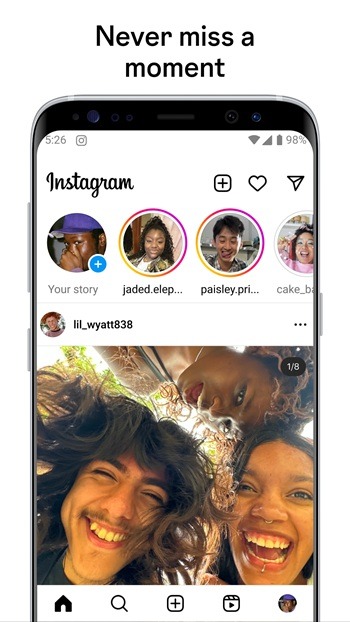
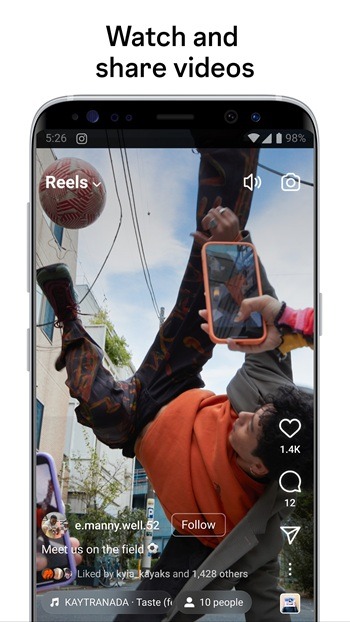
You can view and post to Feed, create and watch Reels up to 90 seconds, and share Stories. Reels creation supports multiple clips, templates, and music for quick edits. The layout stays familiar, so moving between Feed, Reels, and Stories takes little adjustment. Content opens promptly to keep the experience consistent.
Creative tools for Stories
Add text, music, stickers, and GIFs to your Stories to personalize each post. Interactive options include Poll and Questions stickers that let followers respond inside your story. You can combine elements to match what you want to share at that moment. Edits apply as you go, which keeps the process straightforward.
Direct messages, calls, and discovery
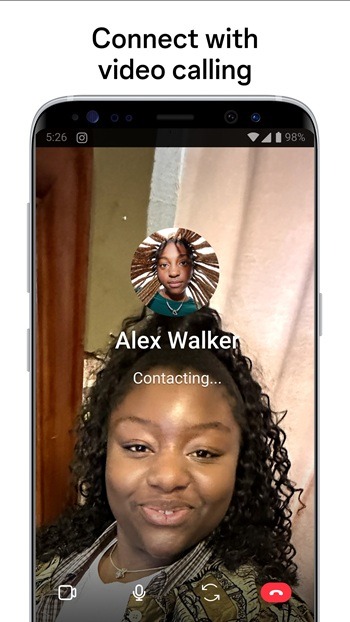
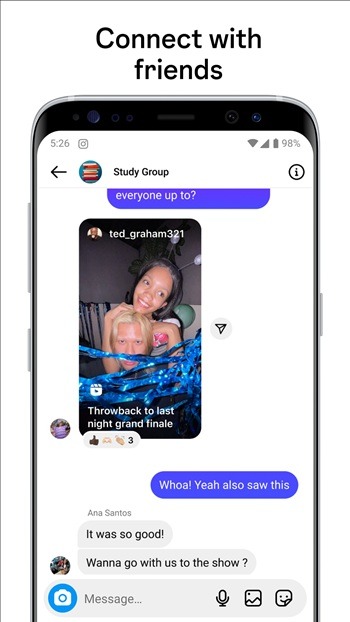
Chat through Direct with notifications for new messages to stay on top of conversations. Instagram Lite also supports easy video and audio calls so you can connect with friends and creators. When you want to find more, use Search and Explore to discover photos, reels, accounts, and topics with keyword search. Results adjust as you refine terms, helping you locate what you need faster.
Highlights:
Feed: Scroll through posts from accounts you follow.
Reels: Watch and create short, engaging videos.
Stories: Share fleeting moments with your followers.
Direct: Exchange messages with friends.
Explore: Discover new content based on your interests.
Lightweight: Takes up minimal storage space on your device.
Data Efficient: It uses less mobile data than the standard app.
Optimized Performance: Runs smoothly on older Android devices.
Pros and Cons:
Pros
Less storage size
Less data consumption
Great for moderate social media users
Cons
Live streaming is not available
Other filters are not available
Image quality is lower depending on the device
FAQs:
What is Instagram Lite used for?
Instagram Lite is used to browse posts, share photos and videos, watch Reels, send messages, and follow friends or creators while using less storage and data.
Does Instagram Lite use less data than Instagram?
Yes. Instagram Lite is optimized to reduce mobile data usage by loading simpler content and compressing media files.
Can Instagram Lite run on low-end Android phones?
Yes. Instagram Lite is designed to run smoothly on devices with limited storage, lower RAM, and slower internet connections.
Does Instagram Lite support messaging and Stories?
Yes. Instagram Lite supports Direct messages and Stories, allowing users to chat privately and share temporary posts that disappear after 24 hours.
What features are missing in Instagram Lite compared to Instagram?
Some advanced filters, editing tools, and certain visual features are limited or unavailable in Instagram Lite compared to the full Instagram app.
Conclusion:
Instagram Lite preserves the central purpose of Instagram while shaping the experience for speed and efficiency. Browsing photos and videos, discovering accounts, sharing updates, and maintaining conversations all remain intact, presented through an interface designed for clear navigation and reliable performance. Its lightweight structure supports a broad range of Android devices and network conditions, offering a practical way to stay connected with essential social features in a streamlined environment.
-
Latest Updates
-
Featured Apps