Insta Pro
Social
2026-09-03
170.24MB
439.0.0.38.89
Android 4.1 and up
64
Screenshots
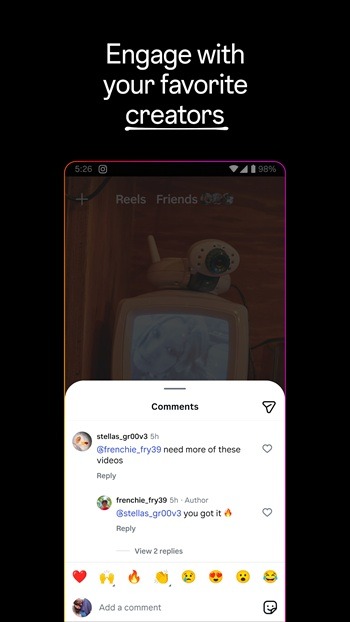

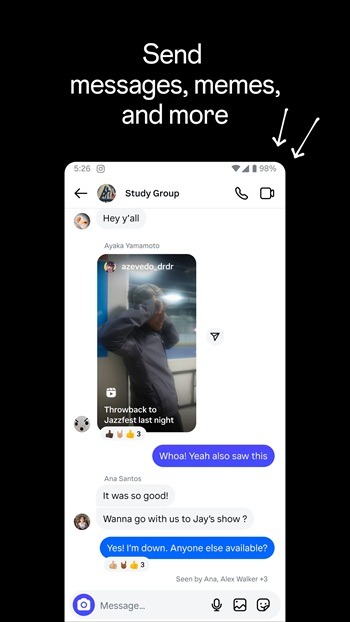
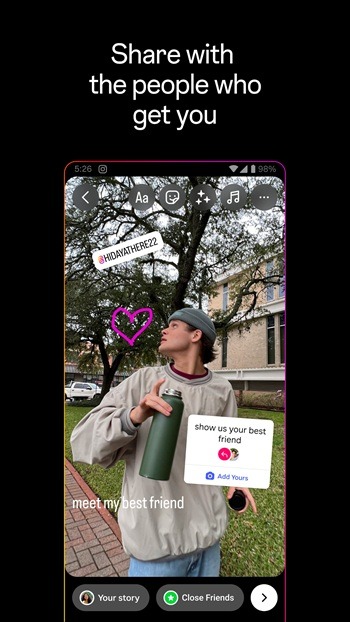
Introduction
Insta Pro is a powerful modified version of the application. Users can directly save media files locally without opening a separate downloader application or copying other links. It also offers an incognito mode, allowing users to hide their online status, typing indicators, browsing history, and more. The application removes ads and reduces promotional content between regular posts. Users can also customize the interface of their topics to match their preferred viewing settings. The application provides various publishing tools, and users can easily switch between multiple accounts. It also includes an app lock to enhance user privacy and security, providing a better user experience.
Features
Save media to your phone
InstaPro lets you save photos, videos, Reels, and Stories directly to local storage. You do not need to copy a post link or open a separate downloader app first. The app is designed to save available media in high quality, which can help when you want to keep a post for offline viewing.
Control visible activity
InstaPro includes Ghost Mode for users who want fewer activity signals shown to others. You can hide your online status, typing indicator, Story views, and read receipts. In addition, the app can use a PIN or fingerprint lock to limit access when another person uses your phone.
Browse without sponsored posts
InstaPro removes ads and sponsored posts from the feed and Reels areas. This changes the scrolling view by showing less promotional content between regular posts. You can still use the familiar navigation pattern while moving between the main feed, profiles, messages, and short videos.
Adjust the appearance
You can change the interface through theme options, including dark and AMOLED styles. InstaPro also lets you adjust some interface elements to match your preferred viewing setup. Other available actions include zooming profile pictures and copying bios, captions, or comments when text needs to be saved or reused.
Post and manage profiles
InstaPro provides posting tools such as reduced media compression, post scheduling, caption tools, longer Story duration, and translations for posts, comments, and direct messages. You can also switch between multiple accounts more easily inside the app. These options are useful when separate personal, creator, or work profiles need regular attention.
Highlights
Built-in App Lock: Add a PIN, pattern, or fingerprint lock for extra security. Even customize your lock screen background.
Backup & Restore: Save settings, themes, and downloads locally. Restore everything easily after updates.
Themes & Fonts: Switch between dozens of themes, fonts, and custom icons. Make your Instagram look fresh every day.
Advanced Messaging Tools: Use auto-reply for DMs, send bulk messages, and create quick-reply templates. Perfect for influencers and businesses.
Integrated Translator: Instantly translate comments and captions into any supported language without leaving the app.
Usage
Open InstaPro and sign in with the account you plan to use, then check that the feed and profile areas load normally.
Open the settings area and choose a theme, interface adjustments, or the app lock option if those controls are needed.
Enable Ghost Mode options individually when you want to hide activity such as Story views, typing status, or read receipts.
When viewing a photo, video, Reel, or Story, use the available download action to save the media to your phone.
Add another account through the account controls when you need to switch profiles, then review posting tools before sharing media.
FAQs
What is Insta Pro APK used for?
Insta Pro APK is used for browsing Instagram with added tools like media downloads, privacy controls, repost options, and support for multiple accounts on Android.
Can Insta Pro APK download reels, stories, and photos?
Yes, the app is mainly known for letting users save reels, stories, photos, videos, and some live content directly to their device for offline access.
Does Insta Pro APK have privacy features?
Yes, it includes privacy-focused settings such as hiding typing activity, reducing visible viewing signals in some cases, and adding an app lock for extra protection.
Is Insta Pro APK suitable for multiple Instagram accounts?
Yes, it supports multiple accounts, so users can switch between personal, creator, business, or fan profiles without logging out each time.
Conclusion
This app is best suited for Android users who already spend a lot of time on Instagram and want more practical tools in one place. Content collectors, meme hoarders, creators managing several profiles, and users who care about privacy settings will probably find it the most useful. People who prefer official app support, frequent updates, and the lowest possible account risk may find the standard Instagram app a safer fit.
-
Latest Updates
-
Featured Apps