HTTP Injector
Books & Comics
2026-08-26
66.58MB
6.5.0
Android
470
Screenshots

Introduction
HTTP Injector is a professional VPN tool featuring an intuitive layout and a unique user interface; users can easily access all functions with a single tap of the menu button. The app employs a distinctive operational mechanism that effectively optimizes connection speeds compared to other VPN tools. Additionally, users can utilize custom servers within the app to access restricted websites and services. When connected to public Wi-Fi, the software encrypts data using an alternative proxy server to ensure the security of the user's identity information.
Features
Easy and smooth UI
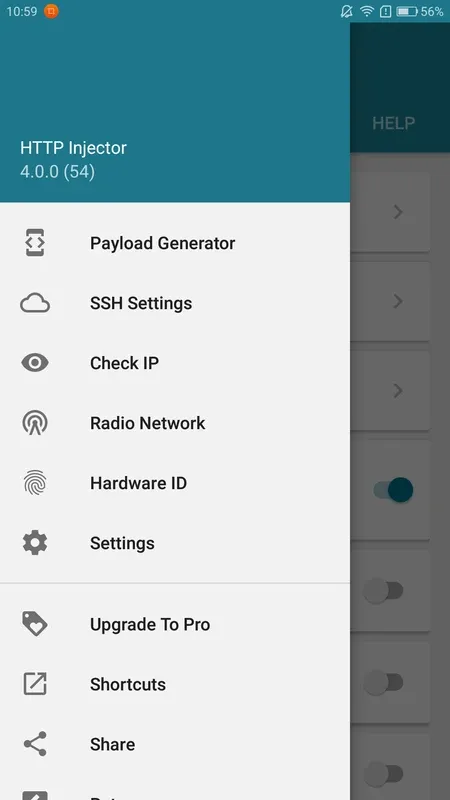
The user interface of the app is very much unique and you will not be going to face any issues while using it. Yes, every feature of the app can easily be navigated thou tough rules. You just need to click on the menu button and you have access to all the features on the front screen.
Optimized speed
Many VPN servers lag in speed and even sometimes Tor kind of browsers get slowed because of VPN. Most people don't know this fact but VPN usually adds more new servers, proxies, and new IP addresses which can cause a slow speed but our HTTP Injector operates very differently which doesn't affect the speed kind of issue while using it.
Supported Tunnel Types
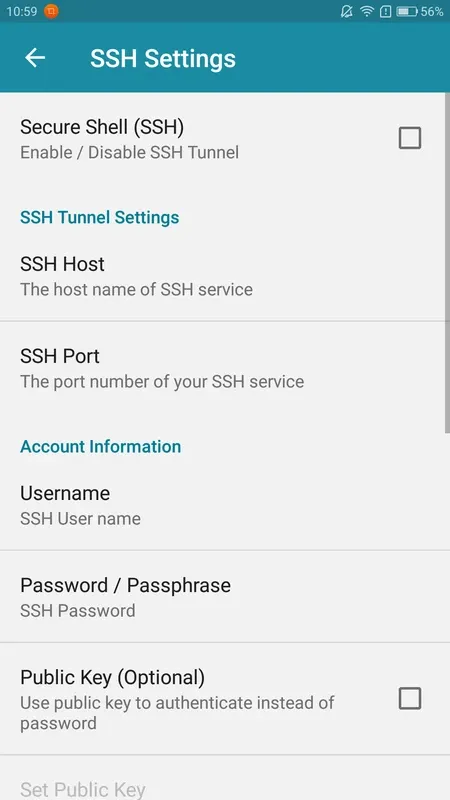
SSH
SSL (TLS)
VMess, VLESS, SOCKS (V2ray/Xray)
DNS Tunnel (DNSTT)
Hysteria (QUIC UDP/SlowUDP)
WireGuard
Shadowsocks
Provider Mode
Encrypt and lock exported configurations
Protect your custom settings
Add personalized messages for clients
Tips
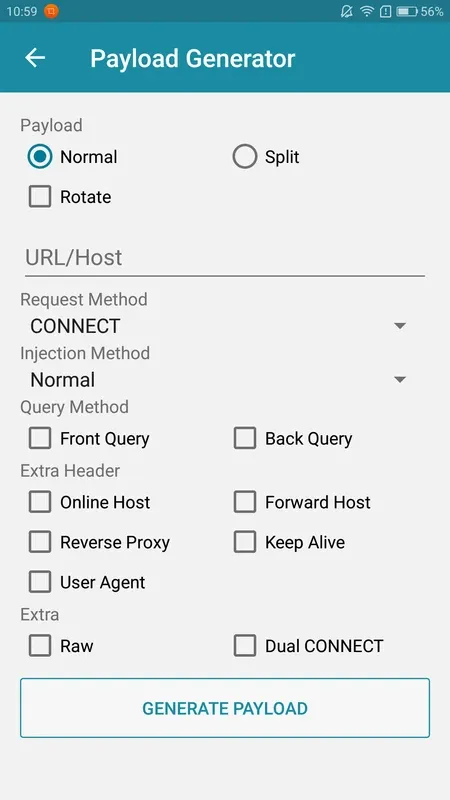
Utilize the Payload Generator for quick and easy server connection setup without the need to adjust settings.
Access blocked websites and services by configuring your own server within the app.
Take advantage of Apps Filter to streamline your browsing experience and specify which apps use the VPN tunnel.
Keep your identity secure when using public WiFi by connecting through alternate proxy servers and utilizing data encryption.
Pros and Cons
Pros
Browse the web privately
Safe and secure
Cons
Contains ads
Requires in-app purchases for some content
User Reviews
The app is great, which i used couple of years now. but the main reason im here bc of somehow i see more ads in the free version compare to before. and sometimes (recently) i face some connection problems like reconnecting, data connection lost even tho im connected - and it didn't happend before. but the connection is stable. i myself find it very annoying after this update. hope you guys fix it..
this app is perfecty work for me but some times it will not be configured files without any expired dates. other wise it is important VPN app for every mobiles thank you dear http injector.
For a power user works perfectly. Direct SSH to my PC while on 4G works. Just needed to include LAN routes, they are excluded by default. Ads seem tolerable only if you don't switch often. File transfers are really slow compared to direct SFTP, but I am new to this, so i don't think it's the app's fault. But i still had to note. The UI is as best it can be, given that the functions are complex.
this application is so hot men and it's works perfectly with Android 10 than other androids
There is a problem in dns server please fix it but all things are working best
Conclusion
For users who want to access any online website or service, HTTP Injector can securely achieve this while protecting your identity and privacy. Furthermore, it can hide your IP address, protecting your smartphone or other Android devices from hackers or other cyber threats when using public Wi-Fi.