Google Meet
Social
2026-10-14
64.10MB
379.0.991253081.
Android 6.0 and up
518
Screenshots

Introduction
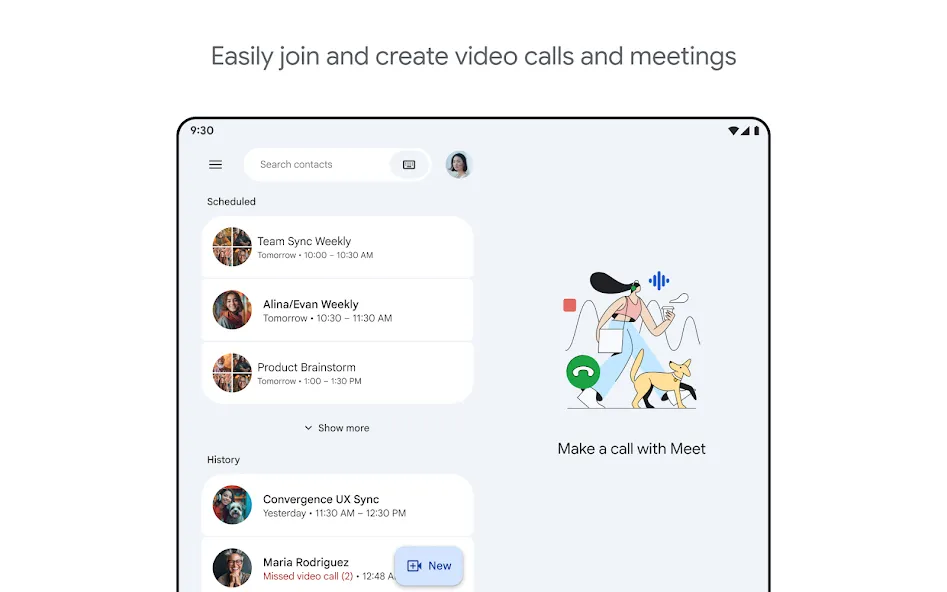
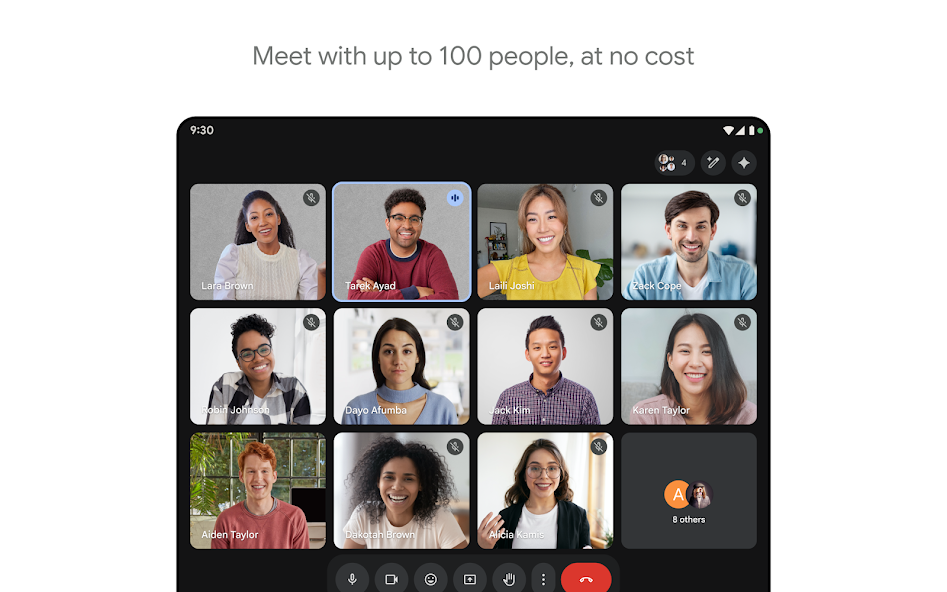
Google Meet is a communication tool designed for Android devices that allows for the quick creation of meetings. Users can join meetings via links or codes without needing to install additional software. It features built-in background noise suppression to ensure clear audio and supports barrier-free cross-language communication with real-time captions in 65 languages. The app offers deep integration with other applications and includes features such as special effect filters, real-time screen sharing, and robust data encryption for secure protection.
Features
Join from anywhere
You can start or join a meeting from the Android app, from iOS, or from a modern browser without installing anything. Joining by link or meeting code is supported, and you can also enter from Gmail or Calendar. An optional desktop PWA is available if you want an app-like window on your computer.
Clear video and audio
Google Meet supports video up to 1080p on capable devices and networks. It adjusts for low light automatically and reduces background noise to help others hear you better. On eligible plans, studio look, sound, and lighting settings give hosts more control over appearance and clarity.
Understand across languages
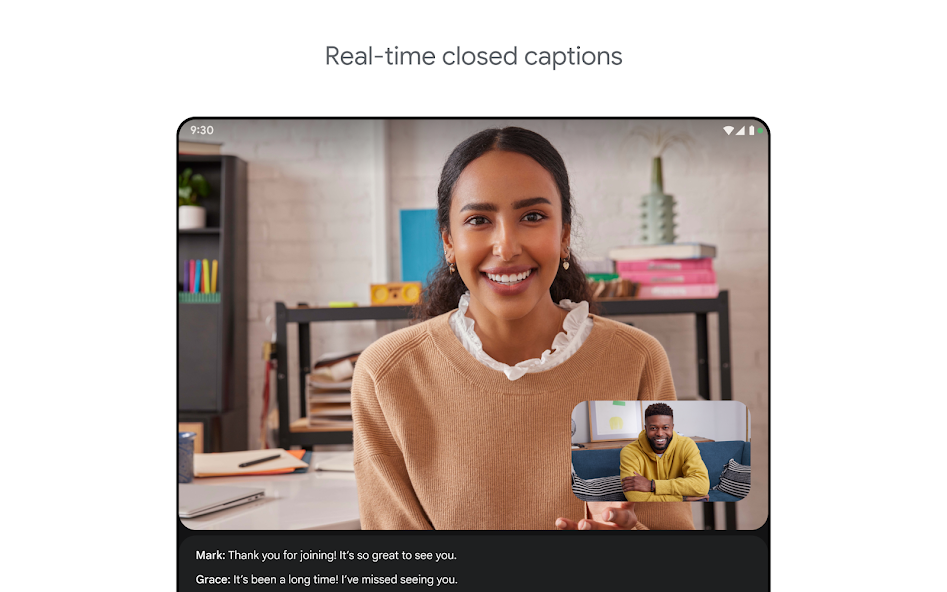
Live captions help participants follow the conversation in real time. Translated captions are available in more than sixty five languages for global meetings. With premium options, Gemini in Meet can take notes for you, support speech to speech translation, and summarize action items so everyone knows next steps.
Built for collaboration
You can present your screen to share documents or apps while you talk. Meet works with Docs, Sheets, and Slides so you can present and discuss in the same flow. Chat is available in every call, and on select plans you can use tools like polls, Q and A, breakout rooms, and host moderation controls.
Engagement and shared activities
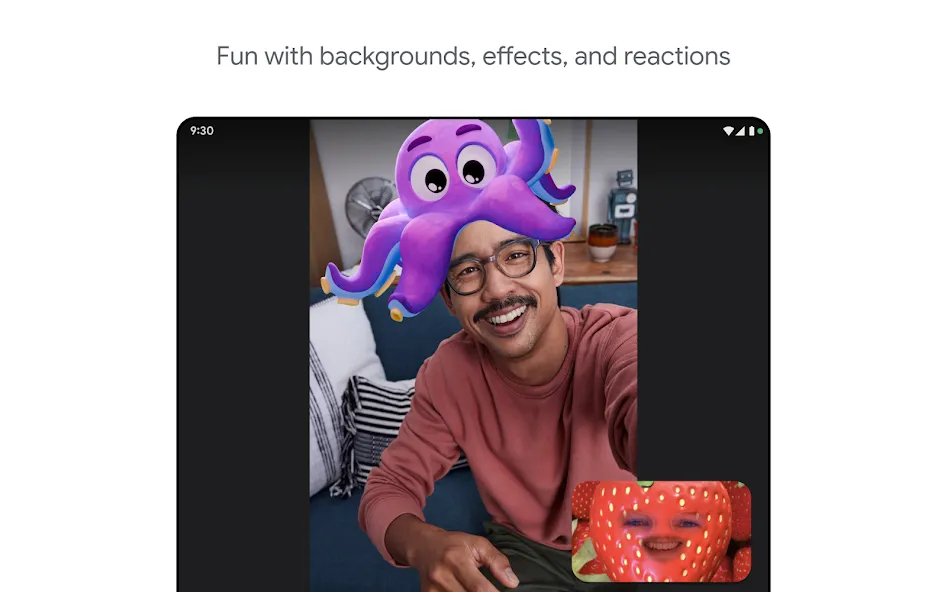
Google Meet lets you react with effects, filters, backgrounds, and emoji to keep sessions interactive. Live Sharing allows participants to watch YouTube, listen to music, or play supported games together during a call. Some Live Sharing activities require an active YouTube Premium membership to use.
Security and scale
Meetings are encrypted by default and include host controls and anti abuse protections. The free tier supports up to one hundred participants and group calls up to sixty minutes. Premium plans extend capacity and duration and add features like recordings and transcripts.
Advantages and disadvantages
Pros
Different ways to join a meeting
Robust security features
Can use the same link infinitely
Duet AI integration
Cons
Dial-in participants cannot see or share presentations
Time restrictions
Update Log
Improved support for 250 person meetings
Real-time captions
International dial-in numbers for any meeting
Bug fixes and performance improvements
User comments
I've been using Google Meet for a while, and it's a convenient app for online meetings, classes, and video calls. I like how easy it is to join meetings through a link, share screens, and communicate with others smoothly. The app is simple to use and integrates well with other Google services. Overall, Google Meet is a reliable platform for staying connected and collaborating online.
It's an awesome app. I always play with my freinds with the amazing filters, one thing I would ask for is more funny filters that would make them laugh. Most of them don 't make them laugh other than like the one that turns me into an alien
I love how useful this calling app is. Very useful in our online class. It becomes essential specially when we have class suspension and becomes online class, because in our country rainy season is unbearable. I just have a request. Can you make the chat button more accessible for fast typing of answer and reply.
Conclusion
Google Meet apk is an excellent way to stay connected with colleagues, family and friends. It offers a secure platform for video conferencing that can be accessed from anywhere in the world. With its easy-to-use interface, Google Meet makes it simple to set up meetings quickly without any hassle or technical difficulties.