Gmail
Social
2026-10-23
202.83MB
2026.10.12.10033
Android 4.4+
347
Screenshots
Introduction
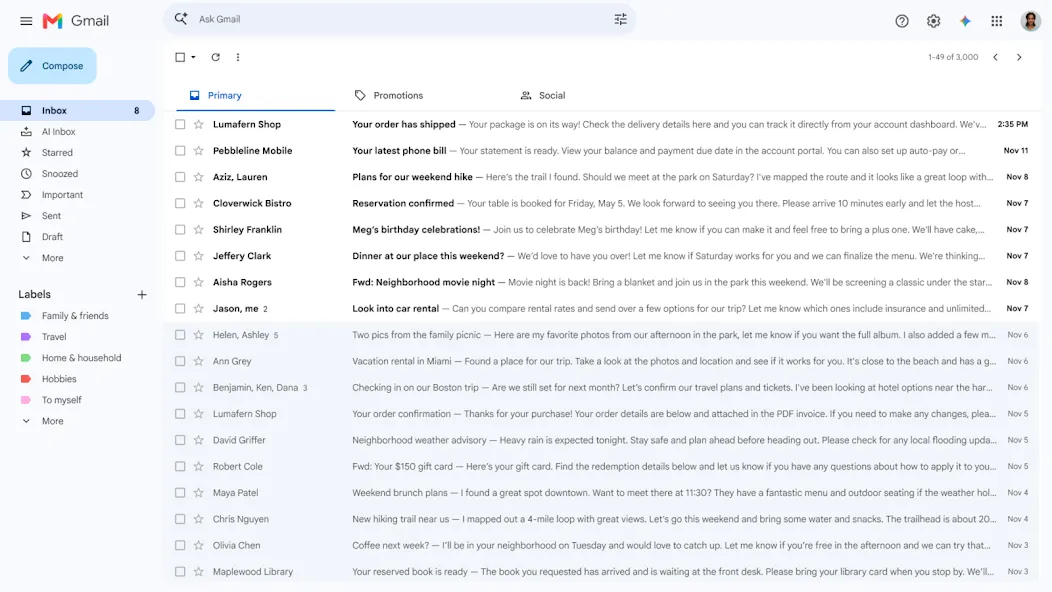
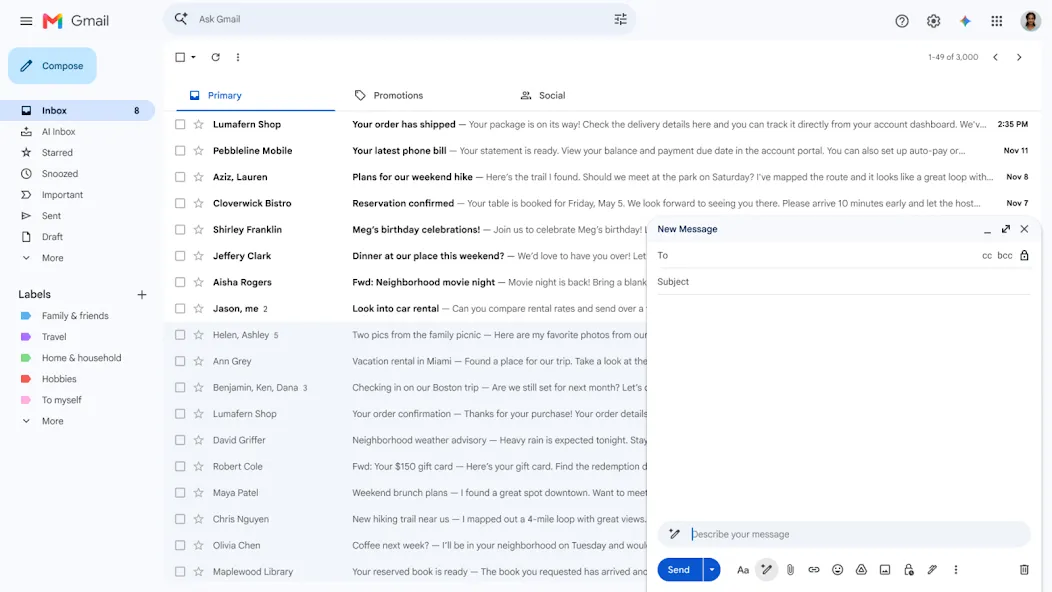
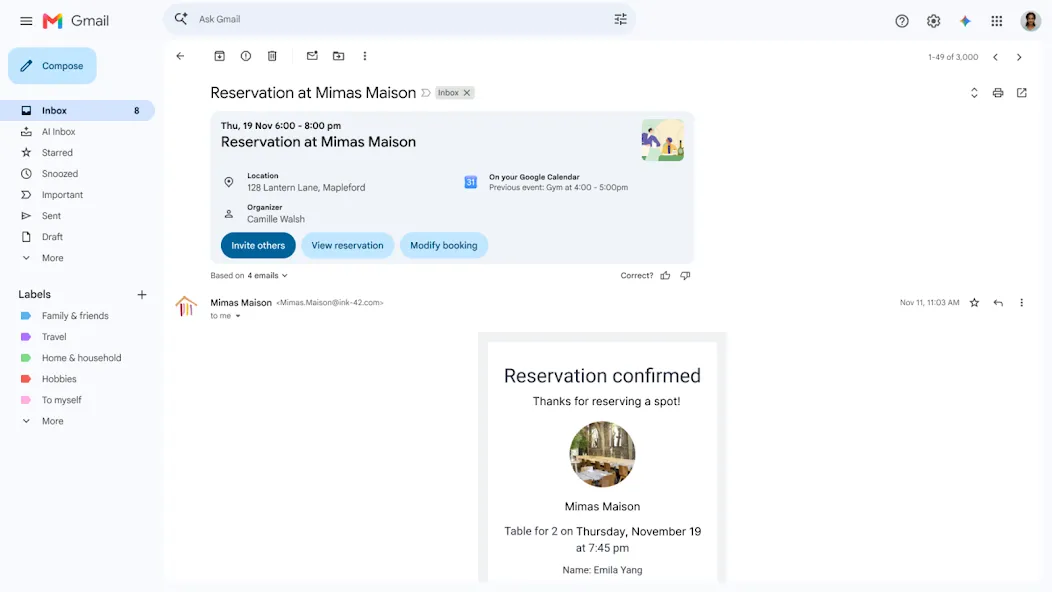
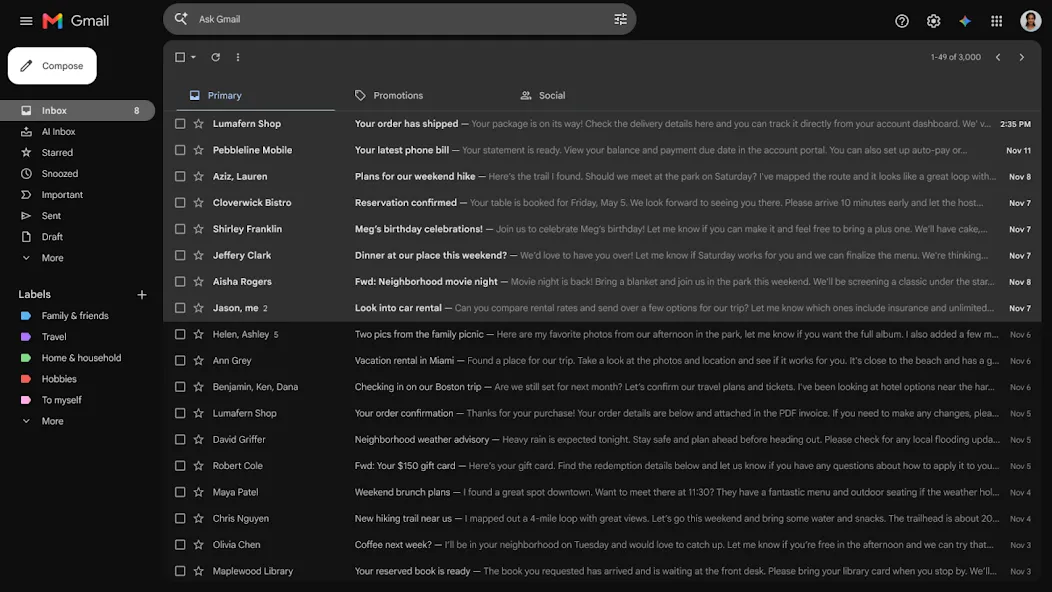
Gmail is a highly powerful email management application. It features a user-friendly interface with intuitive guidance, allowing users to get started quickly and organize their inboxes efficiently. The app provides real-time access to and synchronization of email content. Users can search through their emails to locate important information quickly and accurately. Gmail also offers robust security, safeguarding user privacy and issuing alerts in the event of potential threats; it employs encryption to protect the content of emails. Furthermore, the application boasts excellent compatibility, integrating seamlessly with other services to facilitate smooth workflows and file sharing.
Features:
Effortless Multi-Account Management
Managing multiple email addresses is simple. You can easily switch between personal, work, and other accounts—all within a single app. This eliminates the need for constant logging in and out, saving you valuable time and sparing you unnecessary hassle.
Superior Protection Against Spam and Phishing
Advanced algorithms proactively filter out spam and phishing emails. This keeps you safe from malicious content while ensuring your inbox remains clutter-free, allowing you to focus on legitimate messages. Enjoy a safer and more efficient email experience.
Smart Compose for Faster Replies
Smart Compose predicts the words and phrases you’re likely to type next. This accelerates your email drafting, reduces typos, and helps you craft effective messages in less time.
Stay Organized with Labels and Filters
Take control of your inbox using Gmail’s powerful labeling and filtering system. Automatically categorize incoming mail, prioritize important messages, and archive less relevant ones—keeping your inbox neat and organized.
Offline Access to Important Emails
Even without an internet connection, you can still access and read previously downloaded emails. This ensures you stay informed and prepared, whether you’re on the go or in an area with limited connectivity.
Seamless Integration with Other Apps
Gmail integrates effortlessly with other Google services, such as Google Calendar and Google Drive. This allows you to easily schedule meetings, share files, and collaborate with others—all directly from your inbox.
Highlights:
Undo sent emails to avoid embarrassing mistakes
Enable Google Chat to communicate, create, and collaborate with others
Manage users, topics, and projects in dedicated spaces (chat rooms) to work efficiently with your group
Enjoy high-quality video calls via Google Meet
Use Smart Reply suggestions to respond to emails quickly
Switch between multiple accounts
Easily attach and share files
Stay updated on new emails with notifications, badges, and lock screen options
Search for emails faster with instant results, predictive search queries as you type, and spelling suggestions
Organize your emails by applying labels, starring items, deleting messages, or reporting spam
Quickly clear your inbox by swiping to archive or delete emails
View emails as part of a conversation thread
Automatically populate contact names from your Google Contacts or phone’s address book as you type
Respond to Google Calendar invitations directly within the app
Add Gmail complications and tiles to your Wear OS watch for a quick glance at your emails
FAQS:
How do I add a new Gmail account?
To add a Gmail account to the app, simply open it and follow the step-by-step instructions provided. If you are already logged in on your device, you won’t need to sign in again; otherwise, you will need to enter your email address and password.
How do I add an existing account to Gmail?
It’s very simple—just tap your profile icon in the top-right corner. You will see all the accounts you’ve added to Gmail, along with an option to "Add another account."
Can I use other email service providers in the Gmail app?
Yes, you can easily connect other accounts—such as Exchange or various web-based email services—and consolidate them into your Gmail inbox. For instance, users can easily set up work email accounts (like Outlook) or manage multiple different email addresses, all through the Android app.
Does the Gmail app provide protection against spam?
The app excels at scanning incoming emails and identifying spam through pattern recognition. Given the sheer volume of spam, this feature significantly enhances the app's overall performance.
Advantages and disadvantages:
Pros
Clean interface
High security
Offline functionality
Cons
Contains ads
Conclusion:
Gmail also offers a variety of customization options—such as changing the background color or adding a signature—ensuring that every email carries a personal touch. Combined, all these features make Gmail one of the best email apps currently available for Android devices!
-
Latest Updates
-
Featured Apps