Full Screen Caller ID
Social
2026-07-23
42.35MB
17.0.56
Android
505
Screenshots
Introduction
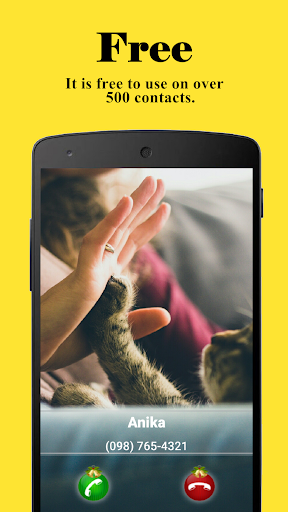
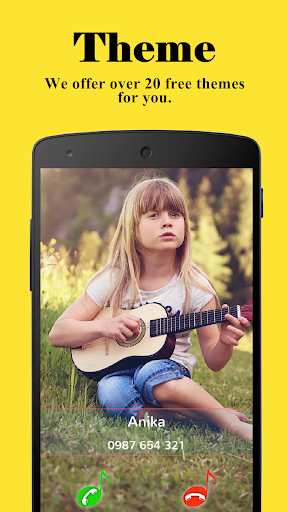
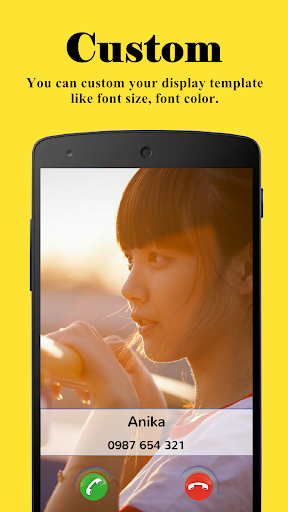
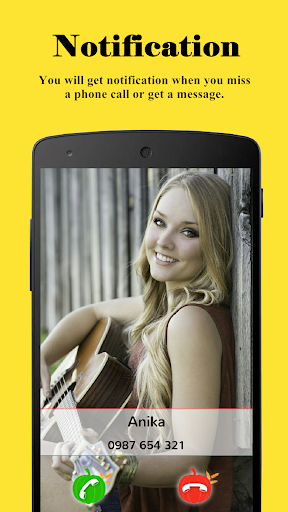
Full Screen Caller ID is a caller ID customization tool for Android devices, allowing users to personalize their incoming call display for a more aesthetically pleasing look. This app offers a wealth of customization options, allowing you to customize buttons, fonts, and colors to showcase your individual style. It also features a blocking function to block unwanted calls, reducing annoyance. Setting up this app is very simple; users can start using it immediately after installation.
Features:
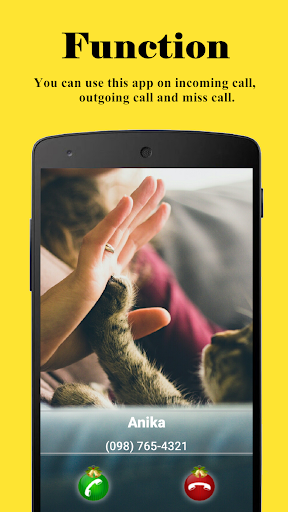
Full-screen notifications for incoming, outgoing, and missed calls
Customizable ringtones for your contacts
Customizable buttons, fonts, and colors – make it your own
Use photos or videos from your camera, gallery, or online sources
Simple setup – works instantly after installation
HD photo and video caller ID
Contact blocking to stop unwanted calls
Highlights:
With Full Screen Caller ID, you can customize your incoming calls with beautiful themes, backgrounds, and fonts. You can also choose which contacts will show up as full-screen photos or just regular-sized ones. This feature makes it easy to identify important callers at a glance without having to look at your phone screen closely.
Another great benefit of this app is its ability to block unwanted calls. With this feature, you can add any number to your blacklist, and the app will automatically reject all calls from that number. This helps reduce spam calls and telemarketers' disturbance during work hours.
Pros and Cons:
Pros
Highly customizable full-screen caller screen for incoming, outgoing, and missed calls
Uses photos and videos from camera, gallery, or online sources for caller ID
Adjustable buttons, colors, and text size, plus theme support
Text-to-speech feature can announce who is calling
Integration with other Android apps for sharing contact pictures
Multiple answer methods, either with buttons or by sliding the screen
Includes call blocking and backup/restore for settings and images
Large install base with many paid users, indicating long-time presence
Cons
In-call screen can occasionally disappear, including bubble and notification access, on some devices
Floating circle after a call may fail to close properly
Phone number formatting tied to one region can show only the last four digits of some incoming numbers, especially international calls
Tips:
Full Screen Caller ID will work instantly once installed but you have to assign HD pictures to your contacts to avoid full screen blurry pictures. HD pictures must be assigned from the Full Screen Caller ID menu, not from the stock Android contact application.
Conclusion:
Prioritizing user security and convenience, Full Screen Caller ID stands out as a trustworthy upgrade over generic or fake caller applications. This secure and free platform redefines your call display, delivering both aesthetic appeal and functionality to every call you make or receive. Experience the ultimate call screen makeover and let your caller ID make a big impression, full screen, and in high definition.
-
Latest Updates
-
Featured Apps