Canvas
Education
2026-10-24
103.34MB
8.11.0
Android 7.0+
447
Screenshots
Introduction
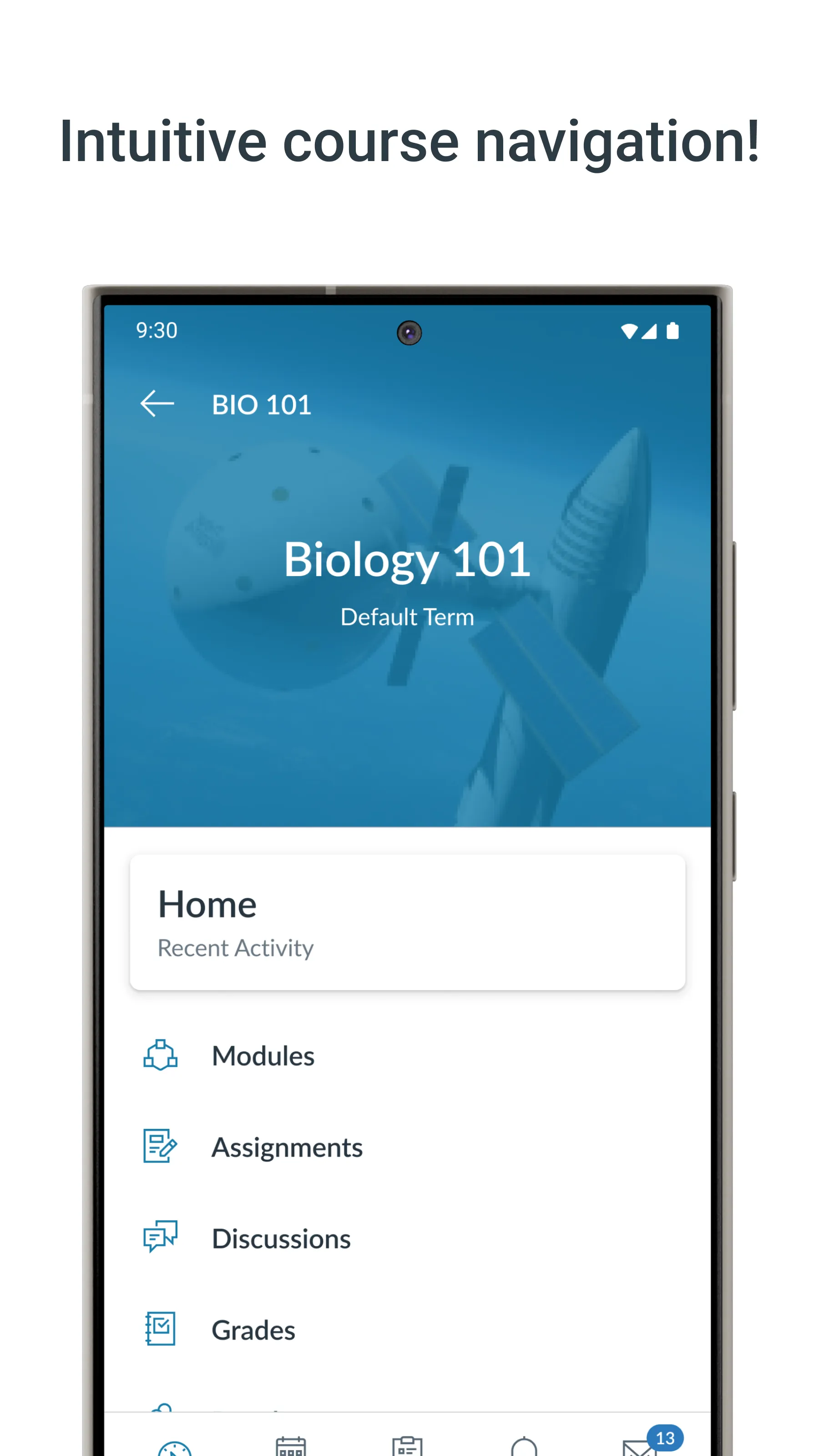
Canvas is an educational tool for Android devices that allows you to quickly view grades and course content. You can check scores, read study materials, and stay updated with the latest news from your school. Assignments can be submitted directly from your mobile device to the appropriate courses and tasks. A built-in calendar helps you keep track of deadlines, and you can communicate with other members of your courses. You will also receive timely notifications, and the app allows you to view and download PDF and Word documents.
Features
View grades and course content
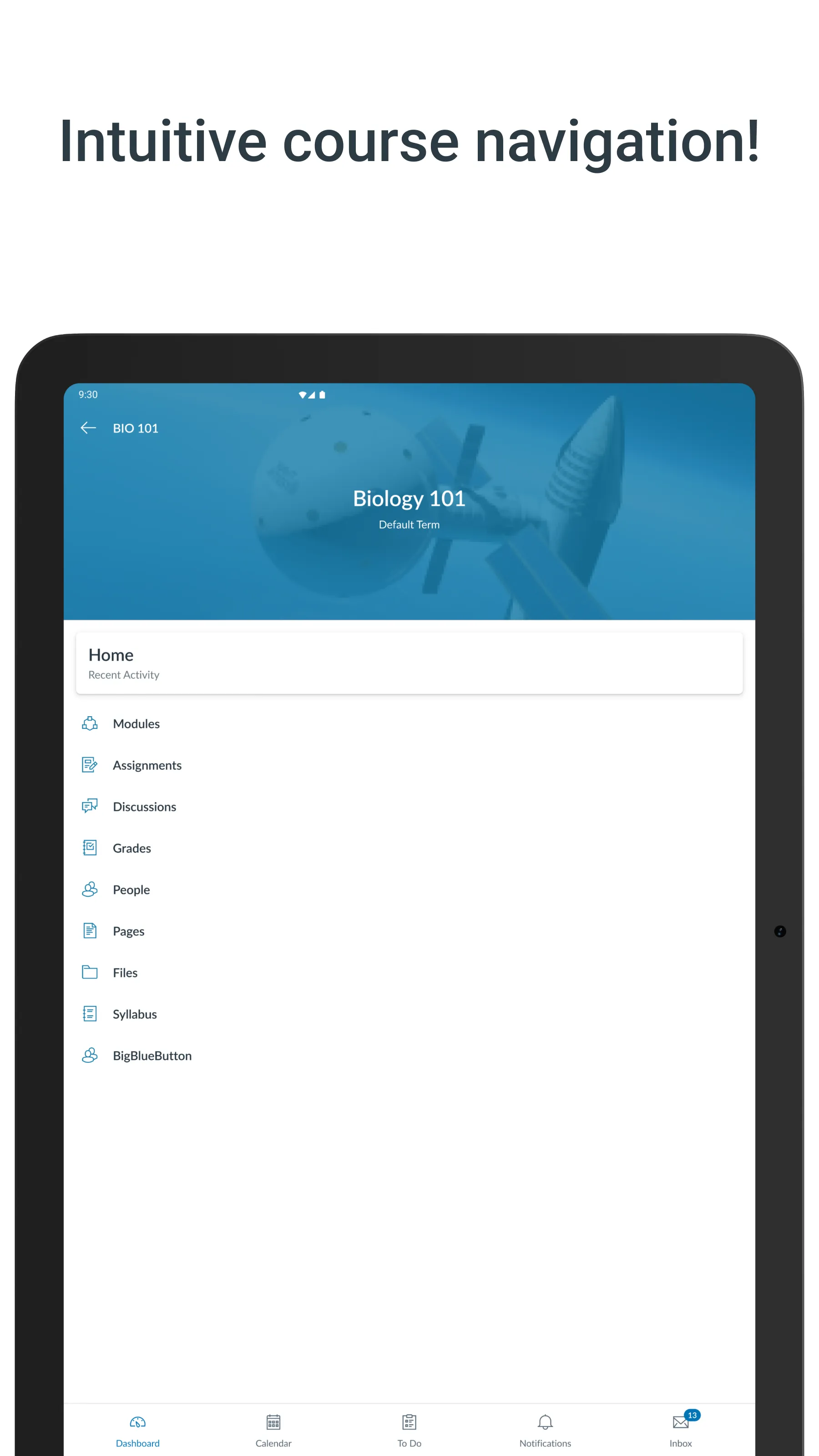
Canvas keeps grades and course content available in one place on your phone or tablet. You can check scores, read materials, and see updates without opening a computer. Everything stays organized by course, which makes it simple to find what you need. This helps you quickly review progress before class or while moving between activities.
Submit assignments from your device
You can submit coursework directly from your device with Canvas. It supports turning in assignments while away from a desktop, which is helpful for tight schedules. Submissions go to the correct course and assignment, so your instructor receives them on time. This reduces the risk of delays when you are not near a campus computer lab.
Stay on top of due dates
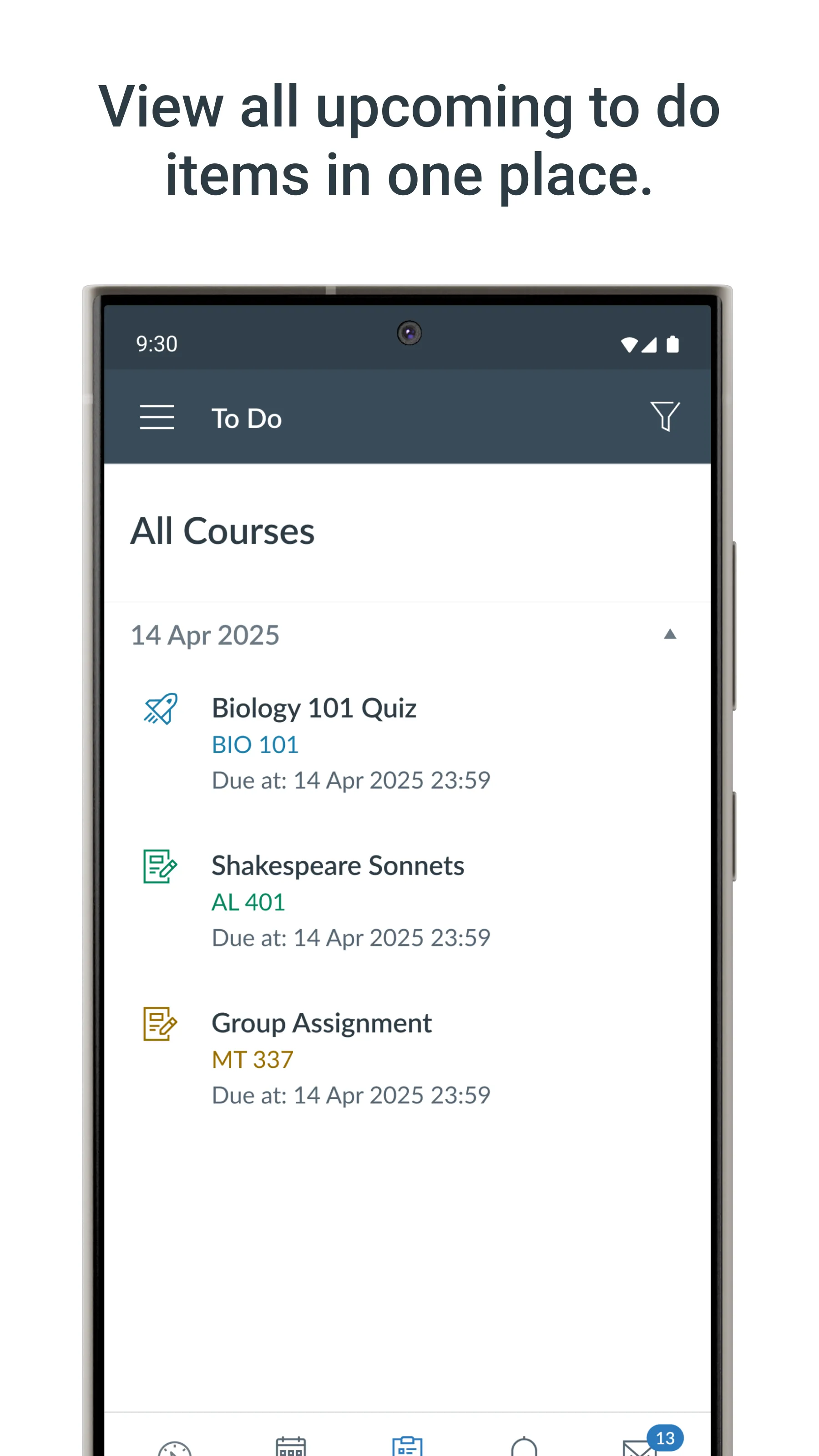
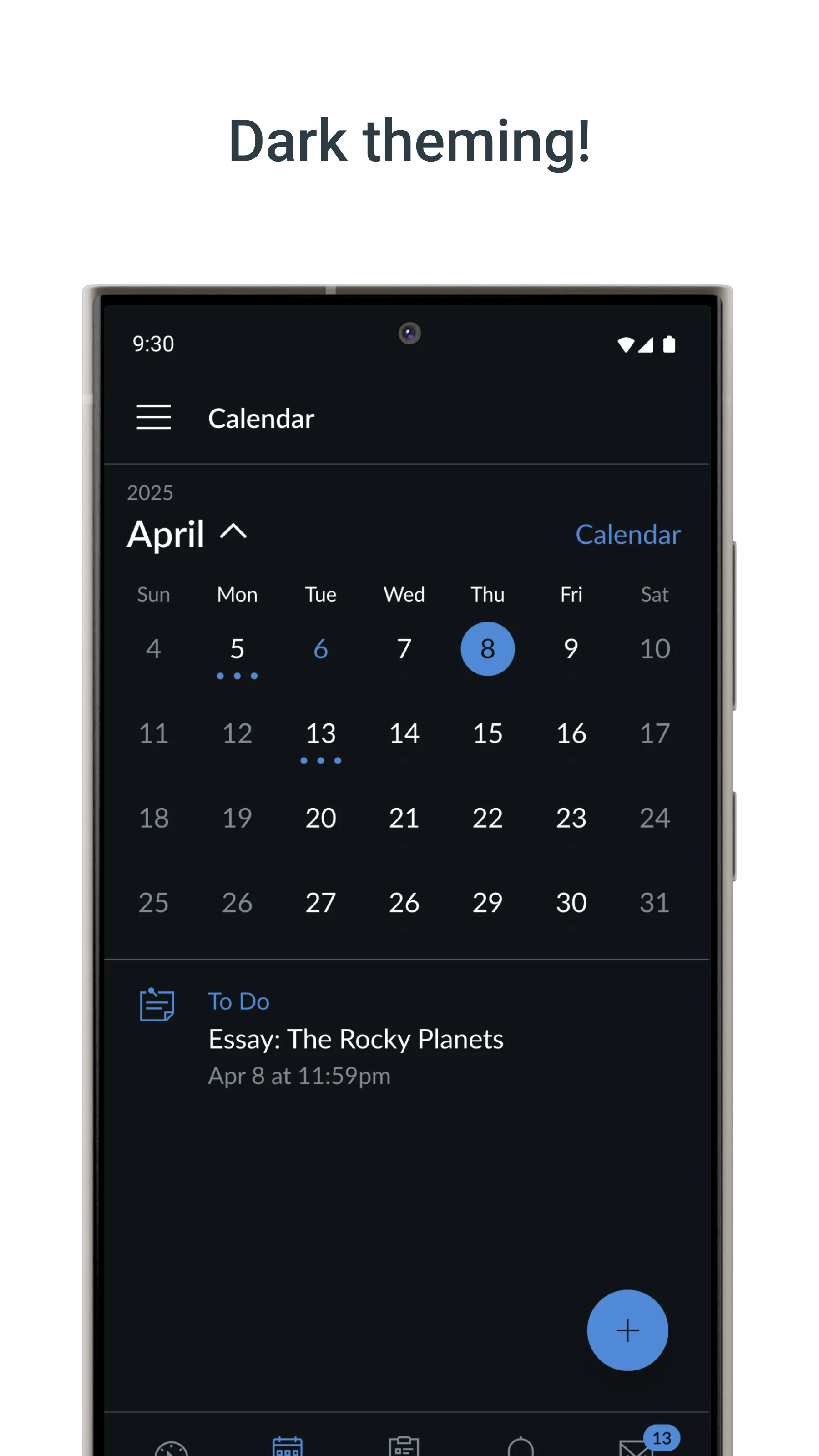
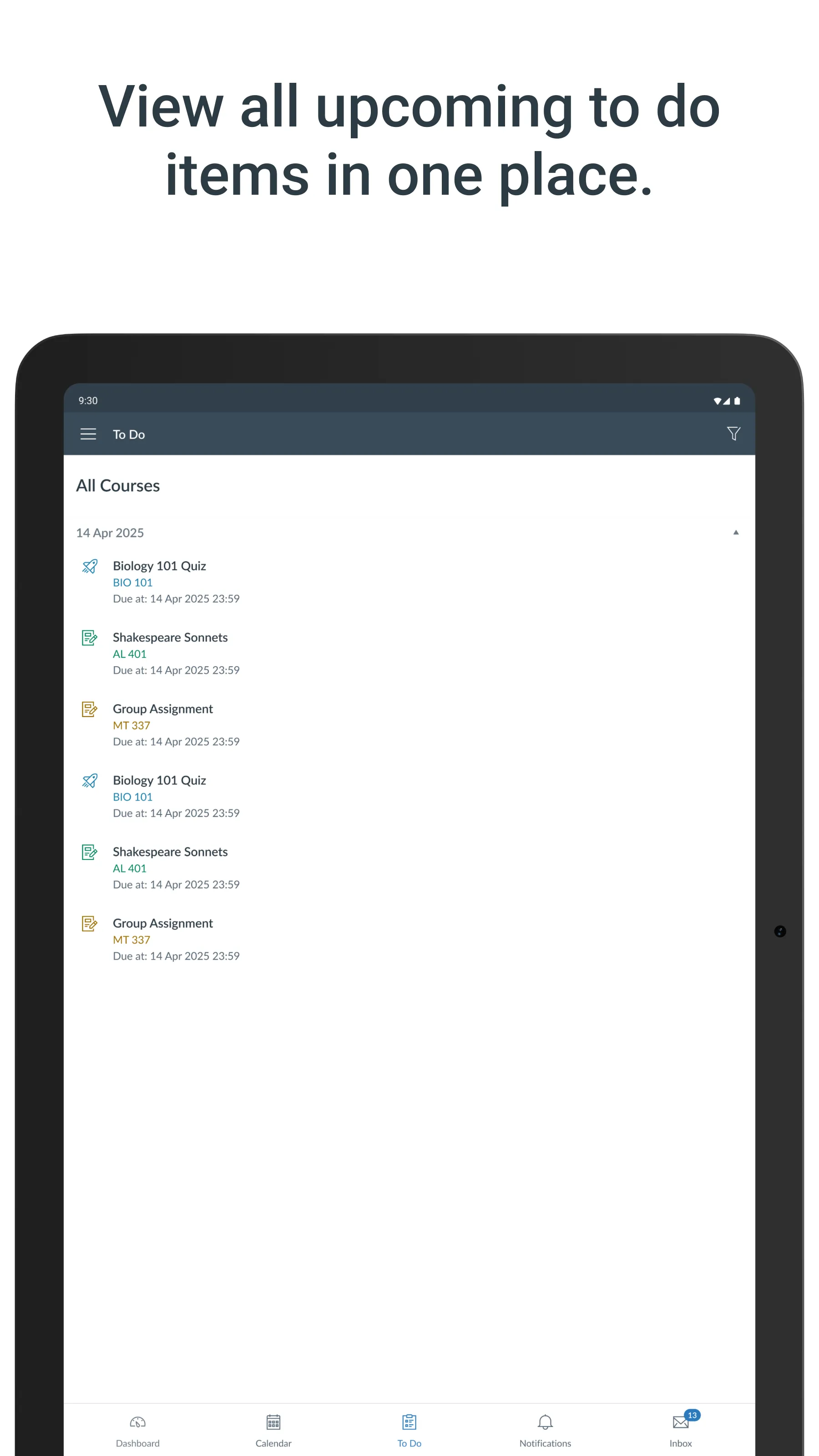
Canvas includes a built in To Do list and calendar for tracking deadlines. You can see upcoming tasks, plan study time, and avoid last minute rushes. Due dates appear in a clear timeline, which helps you prioritize work across classes. This view is useful when juggling several courses in the same term.
Communicate with your class
Canvas makes it straightforward to send and receive messages with instructors and classmates. You can post to class discussions and take quizzes on the go, which keeps participation steady. Messages arrive alongside your course updates, so conversations stay connected to the right class. This consistent access supports quick questions and timely replies.
Receive timely notifications
Canvas sends push notifications for new grades and course updates. You receive alerts when scores are posted, assignments change, or announcements arrive. Notifications help you notice important items without checking every course manually. This keeps you aware of progress and changes during busy days.
Function
View the Syllabus, Pages, Announcements, and Grades.
Read and download PDFs or Word documents.
Turn in submissions, including file uploads, media recordings, text entry and online URLs, though this is not recommended.
Take Quizzes, though this is not recommended.
Participate in Discussions.
Type and send messages through the Canvas Inbox.
How to Use
First, open Canvas and sign in with your institution account to load your courses.
Next, tap a course to view its content and grades, then check any recent announcements.
Then, open the To Do list or calendar to see upcoming tasks and plan your study time.
After that, go to the assignment area to upload your work and submit before the due date.
Finally, use the messaging feature to contact instructors or classmates and watch for notifications about new grades or updates.
Summarize
Download Canva for Android and enjoy this graphic design tool so widely used by users worldwide. With a great range of resources, you only need a few minutes to make beautiful posters, invitations, business cards, or simple montages with the photos stored on your smartphone. In addition, you can always access the PC version from which you can locate all the projects started on another device.
-
Latest Updates
-
Featured Apps