Audible
News & Books
2026-09-01
154.05MB
26.34.07
Android 6.0+
249
Screenshots
Introduction
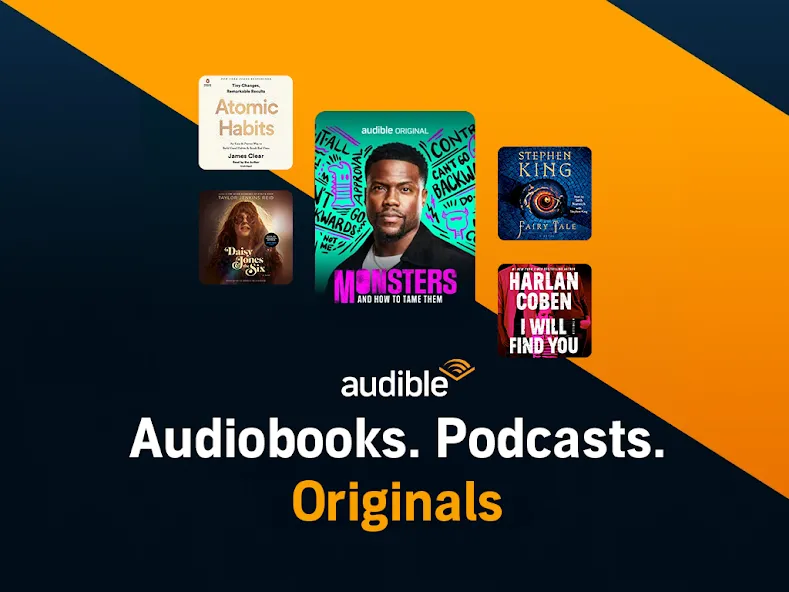
Audible is an audiobook and podcast app for Android. It boasts a vast library of audio content, including both books and non-book programs. Users can browse over 100,000 book categories, along with a large selection of blogs and original content. The app offers personalized playback controls based on the user's listening habits and supports multitasking, allowing users to listen to other content while audio downloads in the background. It also supports offline access and cross-device synchronization, ensuring users don't need a network connection and won't lose progress when switching devices.
Features
Extensive catalog of books, podcasts, and originals
Audible centers on a huge library of audio content that covers both books and non-book programming. You can browse hundreds of thousands of titles across genres such as fiction, biography, history, business, self-help, and more. On top of that, there is a big selection of podcasts and original productions, including shows on news, comedy, politics, science, entertainment, and other topics. Much of this programming is exclusive to Audible, so you may not find it on other platforms.
The app also highlights content that is included with your membership. Some listeners have discovered new favorites through these membership-included suggestions, which can add a lot of value if you like to explore beyond big-name releases.
If you do not subscribe, you are still able to sample titles. Audible lets you listen to short five-minute previews so you can get a feel for the narration and content before deciding whether to buy or subscribe.
Playback controls tailored to how you listen
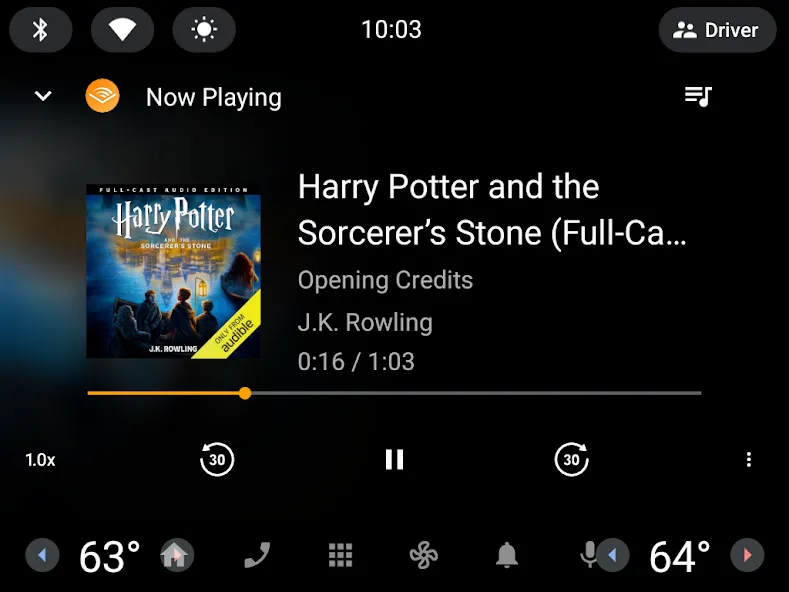
Once you start playing an audiobook or podcast, Audible gives you a strong set of listening tools. You can jump forward or backward in 30-second steps, pause and resume, and move around chapters with dedicated navigation controls. Bookmarking lets you mark key moments so you can return to them later.
Speed adjustment is especially detailed. Playback can run from 0.5x up to 3.5x, with fine-grained steps of 0.05. If you prefer quicker choices, there are common presets at 0.7x, 1x, 1.2x, 1.5x, 1.7x, and 2x. This level of control works well whether you like a relaxed pace or want to move quickly through a book.
For bedtime listening, a built-in sleep timer helps you avoid losing your place. You can have playback stop after 5, 10, 15, 30, 45, or 60 minutes, at the end of the current chapter, or at any custom time between 1 minute and 24 hours. That flexibility is handy if you fall asleep to audio on a regular basis.
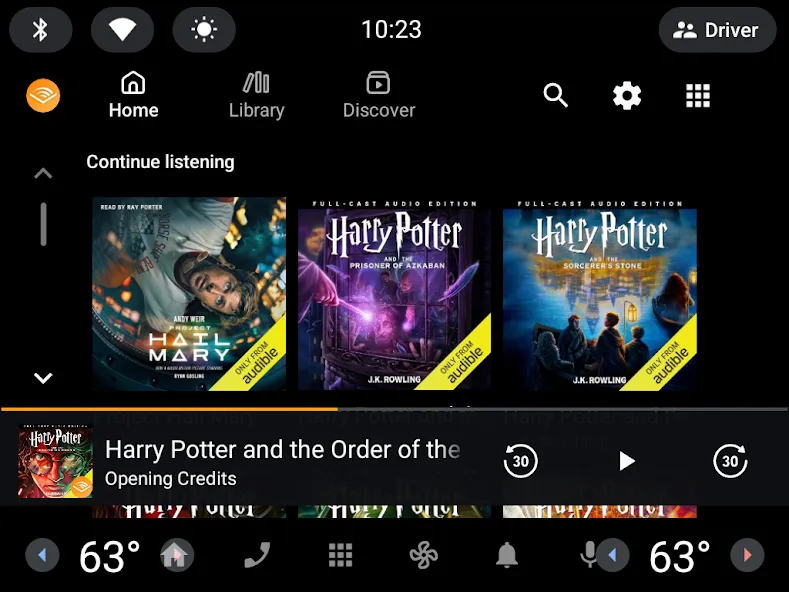
There are also ways to adapt the experience to different situations. Car Mode enlarges the on-screen controls so they are easier to see and tap while driving. A button-free mode lets you control playback without relying on tiny interface elements. Audible also includes Alexa integration, so you can control listening with voice commands where supported.
The app supports multitasking as well. You can download in the background while listening to another title, which is helpful if you manage a large library.
Library, offline access, and cross-device syncing
Audible’s Library organizes everything you have purchased or started. Any title you are currently listening to appears here, and a single tap resumes from where you left off. If you switch devices, your position carries over, so you can continue on another phone or compatible device without losing progress.
You can move audiobooks between devices over Wi-Fi, which makes it easier to keep your collection in sync without using mobile data. For trips or low-connectivity situations, you can download audiobooks and other content for offline listening so you are not dependent on a network connection.
If you own certain Kindle eBooks on compatible devices, Whispersync lets you switch between reading and listening while keeping your place updated in both formats. That is particularly helpful for people who alternate between screen reading at home and audio during travel.
Each book page typically includes rich details such as the cover art, author and narrator information, synopsis, related content, similar authors, and listener opinions. This makes it easier to decide what to listen to next.
Subscription model, discovery tools, and extras
Audible runs on a subscription model. To listen freely across its catalog, you enroll in a paid monthly plan. New users can try the service with a 30-day free trial, and if you already have an Amazon Prime membership, the trial period extends to 90 days. Those trial options provide enough time to see whether the catalog and app fit your habits.
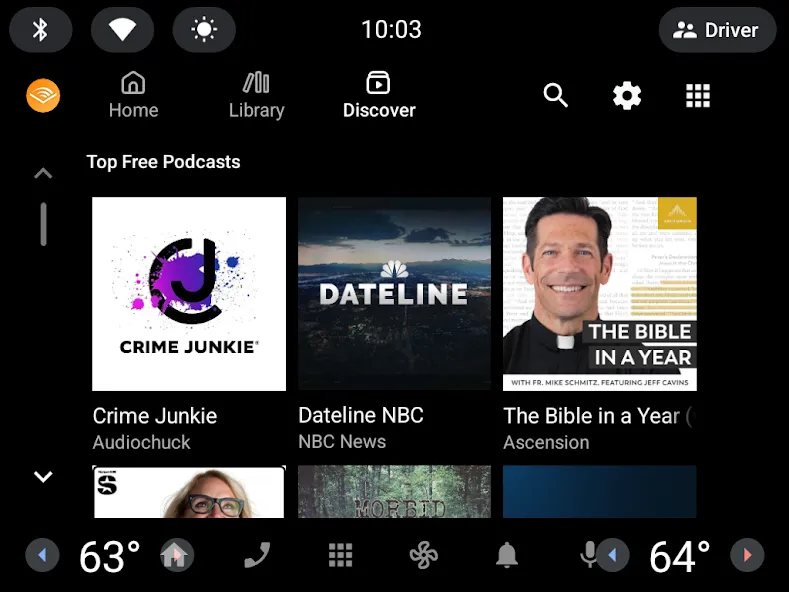
Within the app, there is a Discover section for browsing new material. Here you find lists of most-listened titles, new releases, trending picks, and other themed rows. This can be an effective way to find something fresh when you are not sure what to start.
Performance and stability on Android
While many people use Audible daily, the Android app is not trouble-free for everyone. Some users report persistent technical problems that have followed them across several phones. The most common complaint in these cases is random crashes. Playback suddenly stops, and the app needs to be closed and reopened before listening can continue.
There are also comments that customer support has not always been effective at resolving such issues. In one account, support staff treated the problem as if it were related to a specific audiobook, even though the crashes affected any title played in the app. This kind of experience can be frustrating if you rely heavily on audio content.
Because performance can vary by device and setup, not everyone will encounter these bugs, but they are worth keeping in mind if you want a completely trouble-free listening app.
Pros and Cons
Pros
Very large catalog of audiobooks, podcasts, and exclusive original content across many genres
Detailed playback controls, including fine-grained speed adjustment from 0.5x to 3.5x and 30-second skip buttons
Flexible sleep timer with preset and fully custom durations up to 24 hours
Car Mode, button-free mode, and Alexa integration improve usability in different situations
Library syncs progress across devices, with Wi-Fi transfer and offline downloads for travel
Whispersync support for switching between Kindle eBooks and audio while keeping your place
Useful Discover section and membership-included
Cons
Some Android users experience recurring crashes that require restarting the app
Technical support responses are not always effective for long-running stability issues
Home screen can feel cluttered with bestseller, price-based, and other rows that may not match your interests
FAQs
What kind of books can we find on this app?
Explore the different categories in which the books are grouped like education, news and politics, podcasts, science and technology, newspapers and magazines, business, comedy, and wellness.
Is it easy to read or listen to a book on the Audible app?
You can see many options once you begin listening to an audiobook. Audible for Android lets you navigate chapters, add bookmarks, change the narration speed, or remove the buttons, among other options.
Can we sync our books between devices?
Transfer any audiobook you have on your computer or another device via WiFi. You can download, stream, and listen to audiobooks offline too. Try another app, such as Google Play Books.
Conclusion
With the Audible application, listening is the brand-new way to read your favorite inspirational or entertainment books. Regardless of the package plan that you choose, you will have unlimited access to more than a hundred thousand book titles across all of the service's catalogs and in various categories and genres to choose from. Book geeks will particularly have a blast with the service of this app.
-
Latest Updates
-
Featured Apps